

Award-winning protection against hackers, viruses and cyber attacks.
Cover up to 5 of your devices. Your home PC, your tablet, your laptop, or your phone - you name it.
- Award-winning
- Block hackers and criminals, malware, spyware and ransomware attacks
- Multiple devices
- Protect up to five devices - PCs, Macs, smartphones and tablets
- Payment & Identity
- Protect your money, identity & privacy with sophisticated monitoring
- Secure browsing
- Avoid risky and malicious websites and prevent dangerous downloads
Every second counts
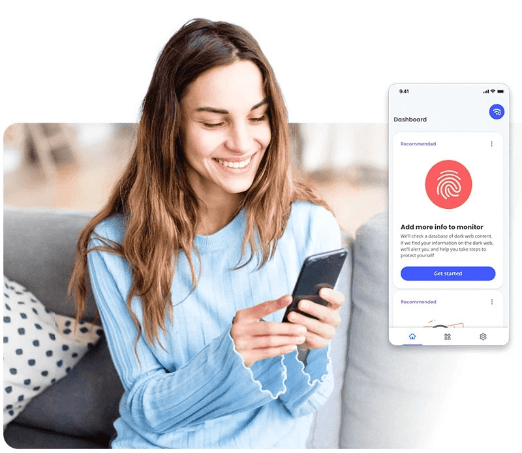
We help you monitor your email, bank accounts, credit cards and more. If we detect a change, you’ll be alerted up to an average of 10 months sooner before our competitors

Protection score
Personalized feedback lets you see at a glance how well you are protected from online threats
Protection for up to five devices
Award-winning anti-virus from McAfee
Windows® | macOS® | Android™ | iOS®
- Anti-virus
- System scan
- File Shredder
- Protection Score
- Anti-spyware
- Safe Browsing
- Vulnerability Scanner
- Dark Web Monitoring
- Firewall
- Social Network Protection
- Wi-Fi Network Scan
Frequently asked questions
-
McAfee Multi Access protects your PCs, Macs, laptops, smartphones and tablets from viruses, spam, malware and identity theft.
-
McAfee Multi Access is compatible with Macs, Windows PCs, and iOS and Android devices such as smartphones and tablets.
-
You will have received a welcome email from Onestream soon after you placed your order. Open this email on your chosen device and select Get started.
-
Forward the email containing the licence key and download link to each of the devices you want to protect to download and install McAfee Multi Access.
-
When you open McAfee Multi Access for the first time after installing, you’ll be greeted by a guided tour that will help you run scans and discover capabilities.
-
Once McAfee Multi Access is installed, you’ll be able to scan for viruses and quarantine/remove them.
-
You can download McAfee Multi Access by logging in here
-
Your username is the email address that you used when you signed up to Onestream
-
You can reset your password by selecting ‘Forgot your password?’ here